
Your face, your hair, the Opa Opa bounce
Opa Opa AI Video Generator
Turn one clear selfie into an Opa Opa bouncy hair video. No filming or prompt needed.
250 credits per video · Packs from $9.90 · One-time payment
Ready for your Opa Opa moment?
Choose one photo of yourself or someone who agreed. The reference supplies the movement; your photo supplies the appearance.
Choose and preview your photo for free. It stays in your browser until you press Generate and sign in with enough credits.
JPG, PNG or WebP · up to 8 MiB
- Video quality
- 720p
- Aspect ratio
- 9:16
- credits
- 250
Add your photo, then accept the terms to continue.
Your video9:16
Your Opa Opa video goes here
Upload a portrait to create your bouncy hair clip.
01AI-GENERATED EXAMPLES
From one photo to an Opa Opa video
See the portrait used for each of these generated videos.
01Copper bob, playful bounce
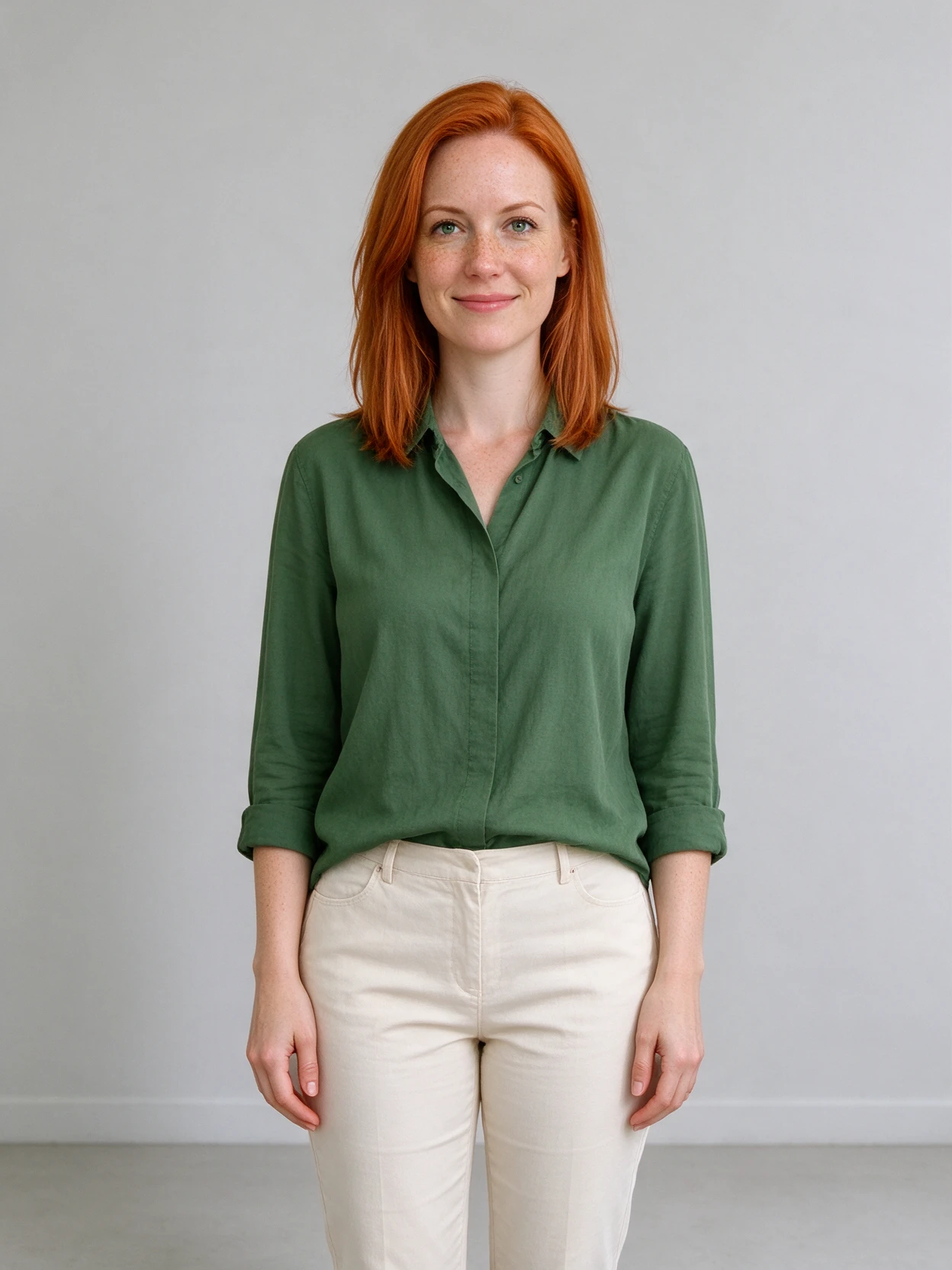
Portrait input Generated video
02Long black hair in motion
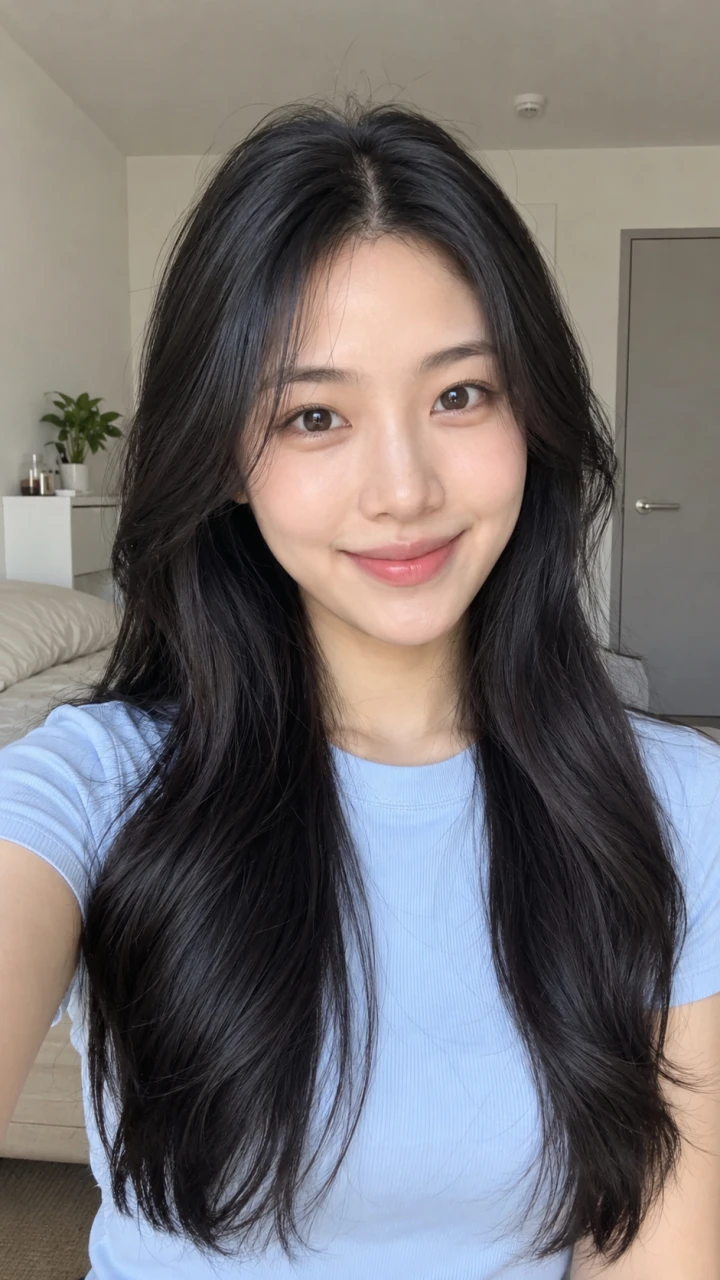
Portrait input Generated video
03Golden curls on the beat
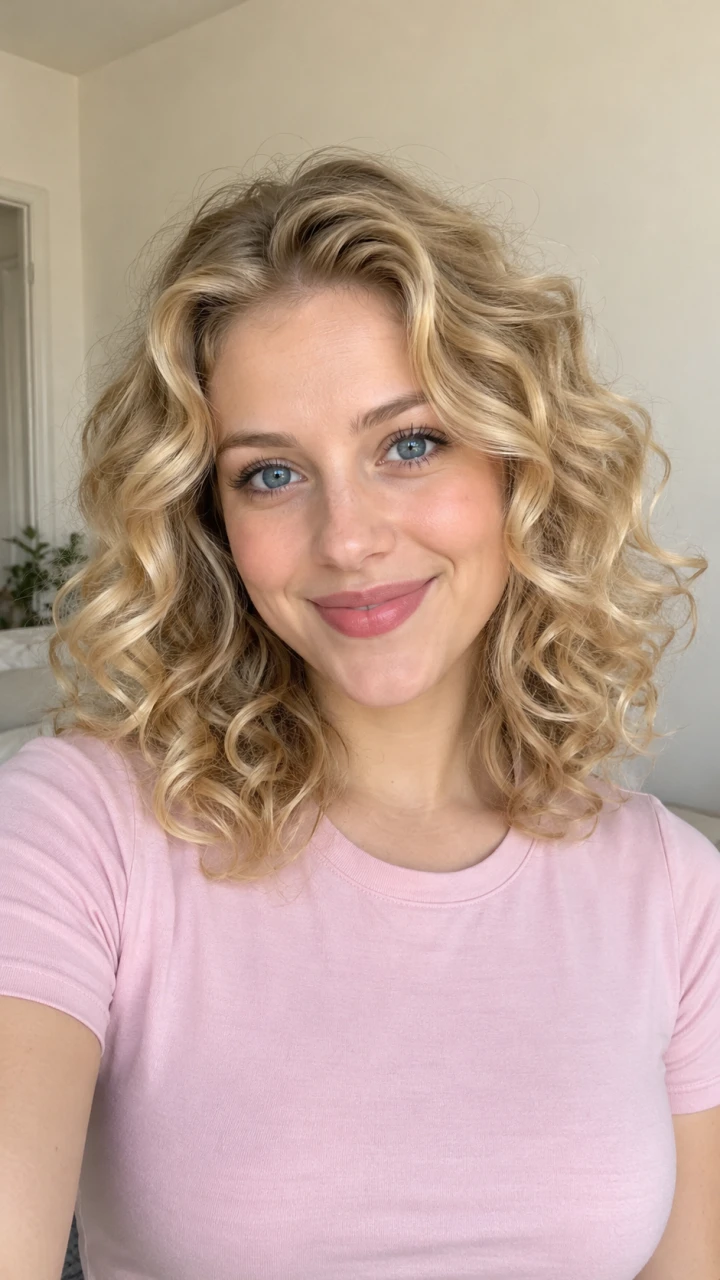
Portrait input Generated video
These examples use AI-created demonstration portraits. The videos are actual generated outputs. Faces, hair and movements can vary; an exact match is not guaranteed.
WHAT IS OPA OPA?
What is the Opa Opa bouncy hair trend?
A close selfie, small rhythmic jumps and hair that lifts and settles with each bounce: that is the Opa Opa effect. It is also searched as the Opa Opa Opa trend, bouncy hair trend and Russian bounce hair trend.
Your portrait guides the face, hairstyle and clothing while the reference guides the movement. The result is AI-generated; likeness, hair motion and timing can vary.
Make an Opa Opa video02HOW IT WORKS
How to make an Opa Opa AI video
- 1
Add one selfie
Choose a clear portrait with one visible face and your hair in the frame. Preview it for free in your browser, using a photo you have permission to use.
- 2
Generate for 250 credits
Accept the terms and press Generate, then sign in or add credits if needed. Your photo stays selected. Once ready, press Generate again to create your video for 250 credits.
- 3
Download your video
Watch the result here or open My Videos to download the MP4. Check the face, hands and sound before sharing.
03WHO IT’S FOR
Make the Opa Opa trend your own
Your selfie, animated
Turn a still portrait into a short bounce with your own hairstyle and expression.
Group-chat reactions
Add your own caption to a playful video for a friend or a small celebration.
Birthday messages
With their permission, use a friend’s portrait for a cheerful birthday clip.
Short-form posts
Download a vertical video for TikTok, Reels or Shorts and add the platform’s AI label.
04PHOTO TIPS
Which photo works best for Opa Opa AI?
The model needs to see your face and hair clearly. A simple portrait gives it more useful detail than a distant full-body shot.
- Use one person, facing the camera, framed from the head to the chest.
- Keep loose hair visible; hats, hoods and tight buns can hide the bounce.
- Choose even light, sharp facial details and an uncluttered background.
- Avoid group shots, sunglasses, heavy filters and cropped hair.
05PRICING
Opa Opa pricing: 250 credits per video
Each Opa Opa video uses 250 credits. One-time packs start at $9.90 for one video, and larger packs lower the price per video.
- Recommended
- Lowest price per video
TREND GUIDES
Learn more about the Opa Opa trend
- The Opa Opa Op trendWhere the TikTok trend came from and how to join it with one selfie.
- The bounce hair effectWhy the hair moves the way it does, and how the AI recreates it.
- Opa Opa Op dance movesMovement tips for filming the bounce yourself, or skipping to AI.
- The Opa Opa Op songTitle, artists, language and what the hook means.
- Anime Opa Opa Op trendFan versions from anime and VTuber communities, and trying it with an avatar.
06FAQ
Opa Opa AI FAQ
01What is Opa Opa AI?
Opa Opa AI turns one portrait into a short selfie-style bouncy hair video. A fixed reference guides the movement, while your uploaded photo guides the person’s appearance. It is an AI animation, not footage of you performing the trend.
02How do I make the Opa Opa effect from a photo?
Upload one clear JPG, PNG or WebP portrait up to 8 MiB. Sign in, accept the terms and press Generate. Each generation uses 250 credits. The finished MP4 appears here and in My Videos.
03Do I need a prompt, a second photo or my own video?
No. You only supply one portrait. The reference video and instructions are provided, and the output is fixed at vertical 720p.
04What song is associated with the Opa Opa trend?
The Russian hook is associated with “Ты залип” (Ty zalip) by PAPAKLEY and Dj Shiza. TikTok has several edits and original-sound uploads, so the sound name and speed may vary between clips. This is distinct from other songs also titled “Opa Opa.”
05How long is the video, and what format will I get?
The finished video is approximately 10.5 seconds, vertical 9:16 at 720p. Download it as an MP4.
06Will my face and hair match perfectly?
A clear portrait helps, but AI can change facial details, hair length, fingers or movement timing. Review the result before sharing. Loose visible hair makes the intended motion easier to convey; the effect does not require a specific hair color.
07How much does an Opa Opa video cost?
Each generation uses 250 credits. Packs remain $9.90 for 250 credits (1 video), $24.90 for 750 credits (3 videos), or $49.90 for 1,750 credits (7 videos). There is no subscription.
08Is the Opa Opa AI generator free?
Choosing and previewing your photo in your browser is free, with no account or purchase needed. Sign in and have 250 credits available when you generate. One-time packs start at $9.90. There is no subscription.
09Can I make an anime version or animate a pet?
This template is designed for one human portrait and the provided selfie reference. A separate anime conversion or pet mode is not currently offered.
10Can I post the finished video on social media?
Download the MP4 and review it before posting. Use photos with permission and follow your platform’s AI-labeling requirements.
Give your selfie an Opa Opa moment.
One portrait, a ready-made motion reference and 250 credits for your video.
Make my Opa Opa video